Simple Hyperion Remote
Simple Hyperion Remote
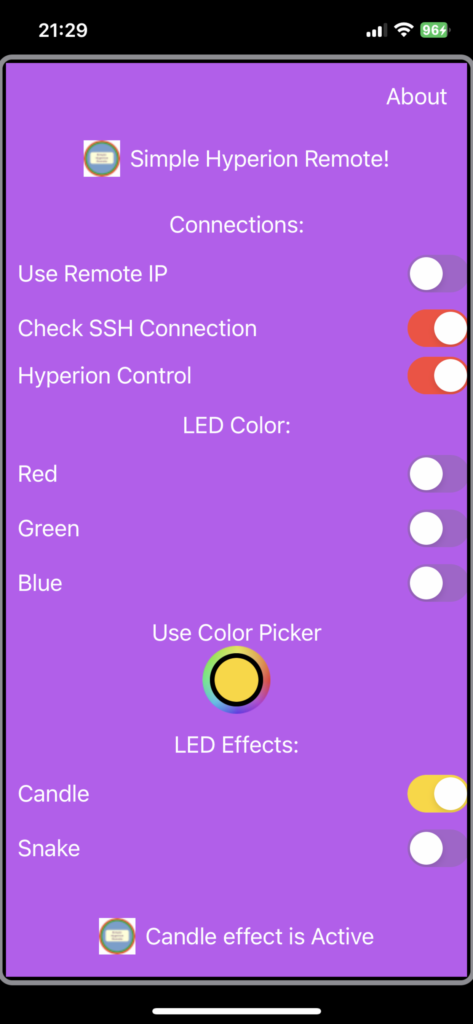
Download from Apps Store:
https://apps.apple.com/sg/app/simple-hyperion-remote/id1667156666
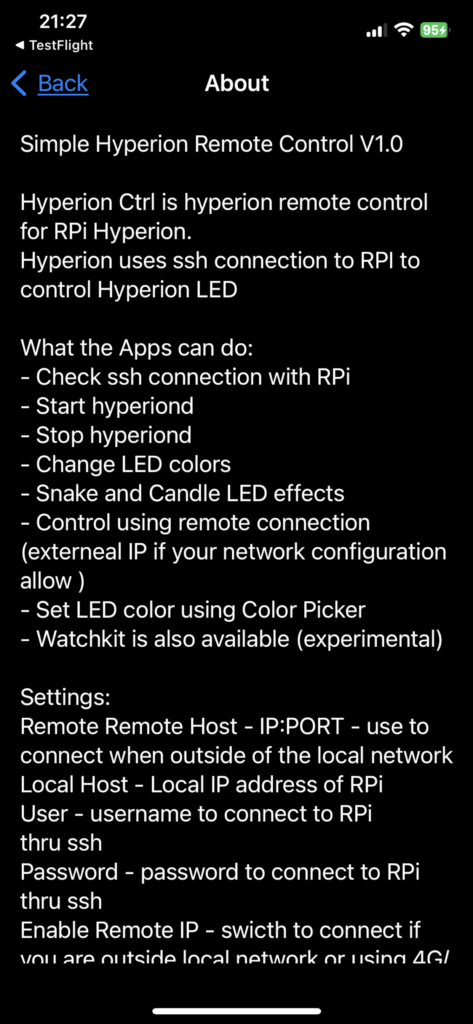
Simple Hyperion Remote Control V1.0
Hyperion Ctrl is hyperion remote control for RPi Hyperion.
Hyperion uses ssh connection to RPI to control Hyperion LED
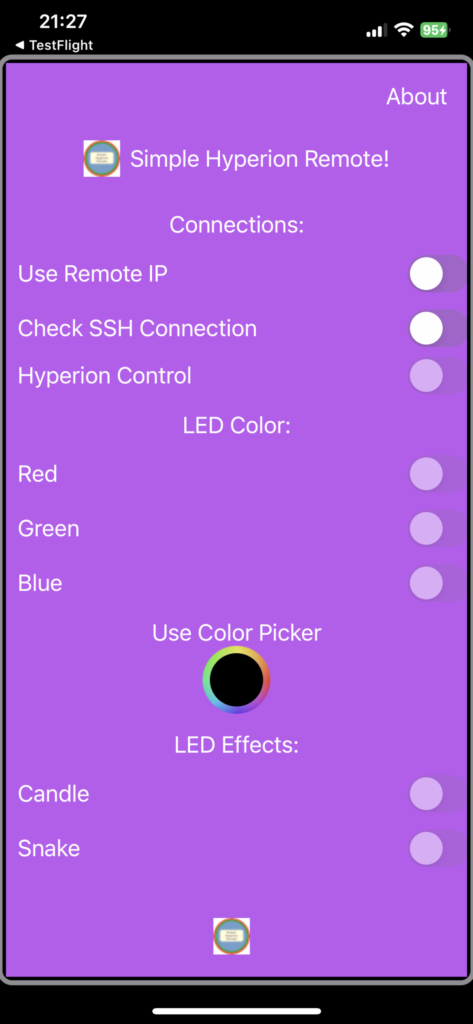
What the Apps can do:
- Check ssh connection with RPi
- Start hyperiond
- Stop hyperiond
- Change LED colors
- Snake and Candle LED effects
- Control using remote connection (externeal IP if your network configuration allow )
- Set LED color using Color Picker
- Watchkit is also available (experimental)
Settings:
Remote Remote Host - IP:PORT - use to connect when outside of the local network
Local Host - Local IP address of RPi
User - username to connect to RPi thru ssh
Password - password to connect to RPi thru ssh
Enable Remote IP - swicth to connect if you are outside local network or using 4G/5G network
Custom Colour - color set using Color Picker
Best of things - it's a free apps :)'
============================
Common Problems and Solution:
SSH failed
- Check ssh credentials in Settings
- check host setting
Hyperion failed to start
- Check Settings
Toggle Switch for Colors/Picker/Effects not working
- hyperion is not running
Copyright (2023)
emdia-ds.com